Binary, Decimal, and Hexadecimal Numbering Systems
Introduction
When taking a look at how a computer works, the way it operates may seem complex, and in many ways that is true. But if we take a look at it on a core level, it all comes down to 1 and 0, true and false, on and off as a way of processing information, which is later represented by either other numbering systems or in other forms that are much easier to read.
This blog will cover three major numbering systems and how they are used interchangeably, what they are used for, as well as how they came to be and why. The three numbering systems this documentation references are:
- Binary
- Decimal
- Hexadecimal
These numbering systems have existed prior to computers and have a wide range of applications outside of technology alone, but in this reference it is important to understand how they correlate to each other and how they shape computers, operating systems, and modern tech.
Binary
Binary is the core system that the computer uses to operate. It is a Boolean system that can have only two possible values, 1 and 0, or true and false. This system dates all the way back to the first general-purpose electronic computer, the Electronic Numerical Integrator and Computer (ENIAC), which was programmed by manually flicking switches, which were an early form of binary.

Binary is comprised of bits1 and bytes2, both terminologies that most people have heard. A bit is a single 1 or 0, which by itself cannot represent much, so we have bytes, which are units comprised of 8 bits to form a byte, which can in turn represent 256 different combinations.
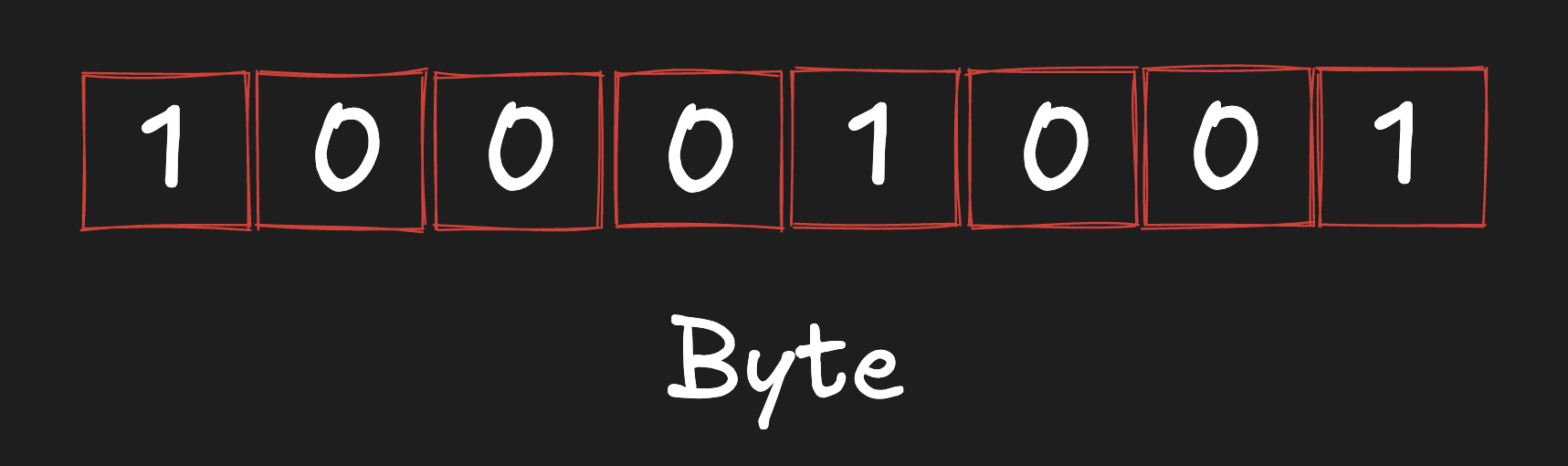
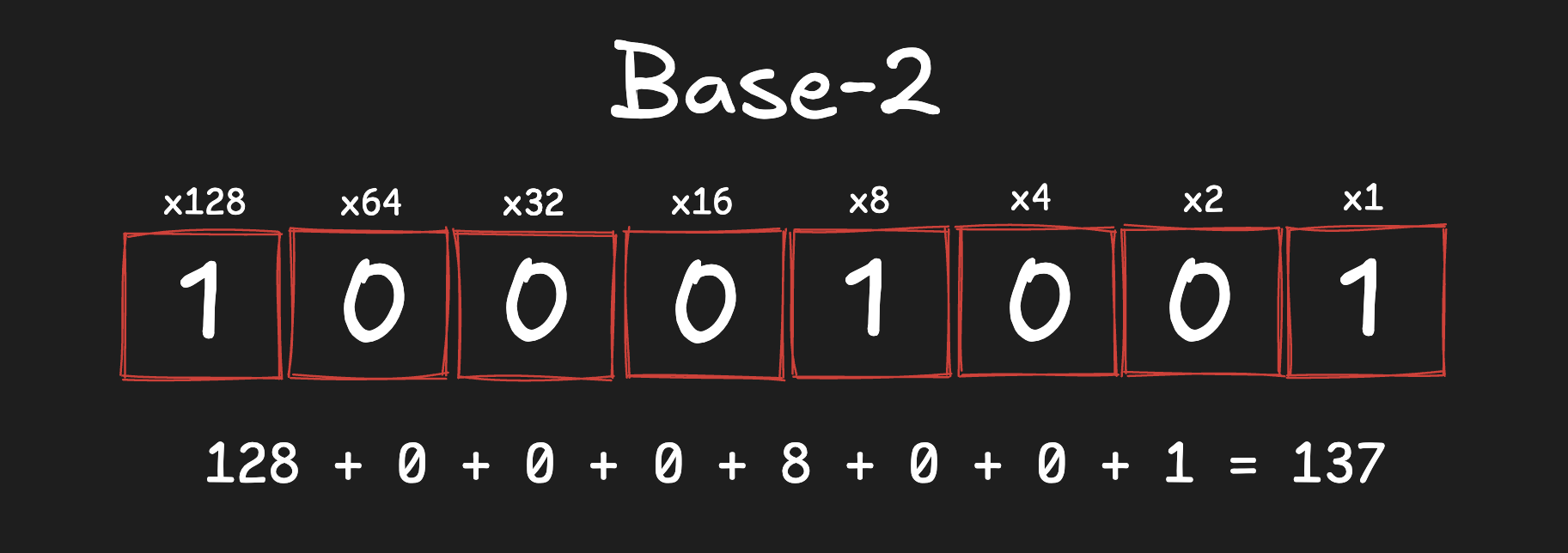
Binary works by the concept of positional notation3 with base 2.
This format of numbering is not usually read by humans and is often represented in other forms like a letter from an ASCII table, a pixel on the screen, or converted into hexadecimal. In computers, these signals are passed by transistors, through which it is much simpler to represent two values: a high voltage and a low voltage.
Binary has rules in the sense that the same binary code is not necessarily used to represent the same thing every time. It is based on context, such as encoding (UTF-8) or for more complex tasks such as showing an image made by pixels, where each individual pixel is made up of a value of Red, Green, and Blue represented by binary. Then a driver takes this information and outputs what you see on a screen. Same thing for when a computer processes audio and outputs it in the form of vibration from speakers.
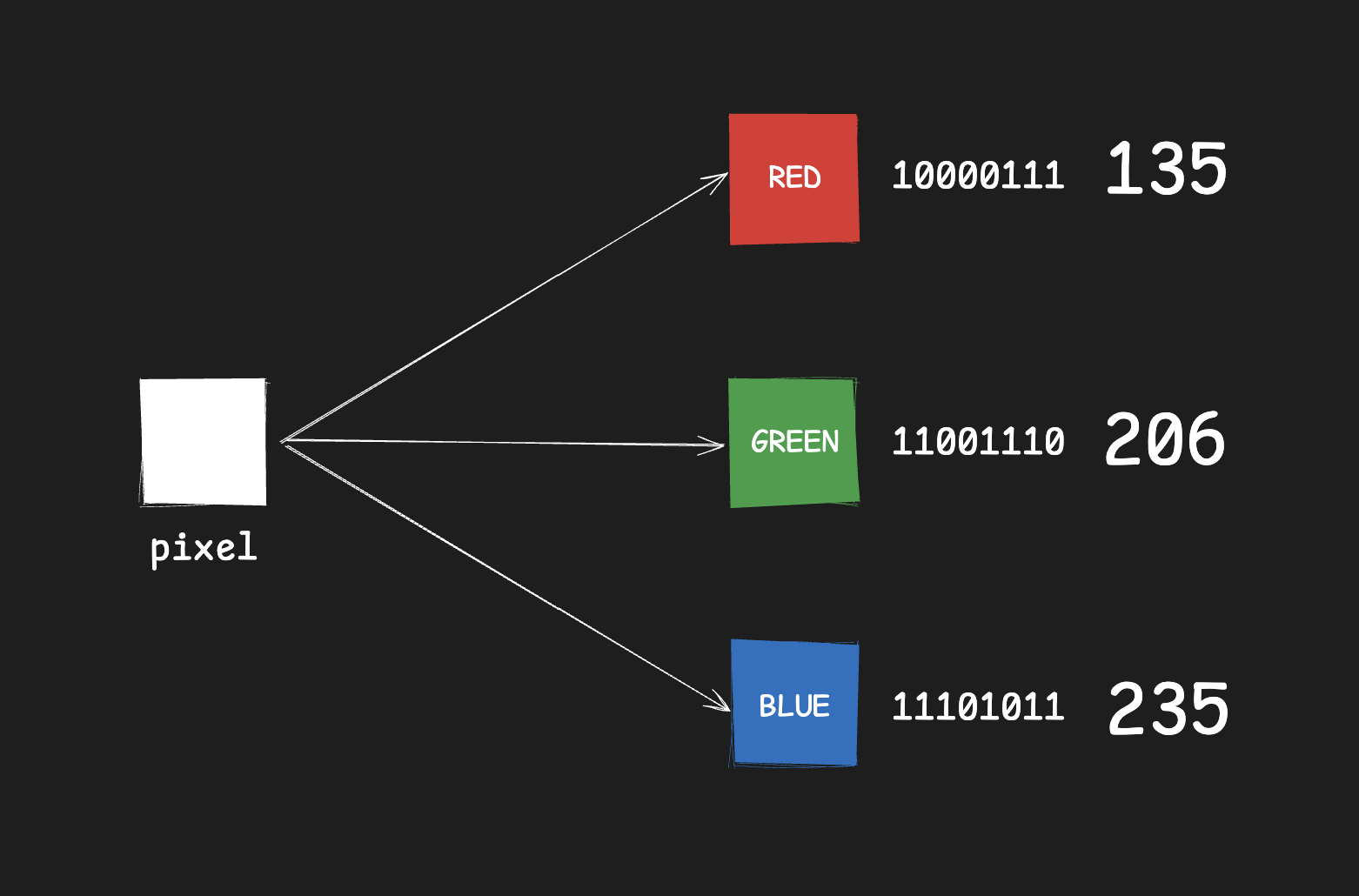
This requires billions of bits and a lot of computation, which can be compressed through practices such as run-length encoding. While there is ongoing research and experimentation with ternary and quantum computing, the main and most useful system still comes down to binary.
Why we use binary
Before the invention of power and electricity, doing logical computations in binary was much more achievable, and it all came down to mechanical limitations, although even after, binary stayed around.
If hardware had to detect ten tight voltage intervals (0,1,2,3,4,5,6,7,8,9), small fluctuations could make readings inaccurate. With binary, the ranges are wider. A signal near +5 can be read as 1, and a signal near -5 can be read as 0, which is much more stable in real systems.
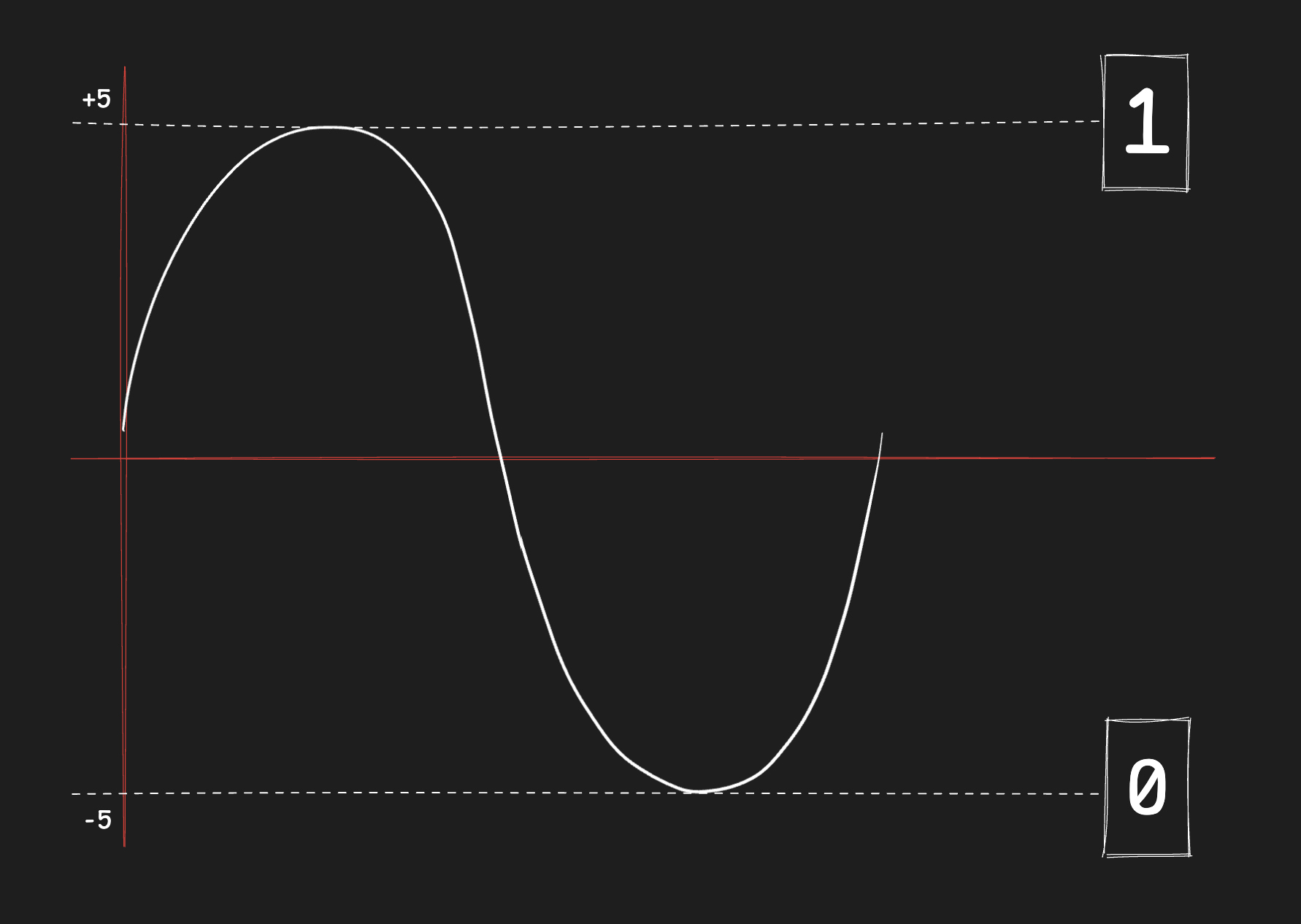
It is a very convenient and practical way of performing logical operations, and it is much simpler to build electronics around. However, if we compare it to the decimal system that we are used to, which is a positional notation of base 10, we can calculate log2(10) = 3.3219, which tells us the ratio of how much denser decimal can be than binary. Even then, binary remains the practical and stable hardware choice. There were also systems such as bi-quinary4, but binary remained dominant.
For example, binary can also be shown as weighted values:
(1*128) + (0*64) + (0*32) + (0*16) + (1*8) + (0*4) + (0*2) + (1*1) = 137
Decimal
The decimal numbering system is one of the most widely used and understood numbering systems in multiple fields and everyday life. It is a system built on positional notation with a base of 10, meaning each position is 10 times larger than the one to its right. There are 10 numbers that comprise the decimal system: 0-9.
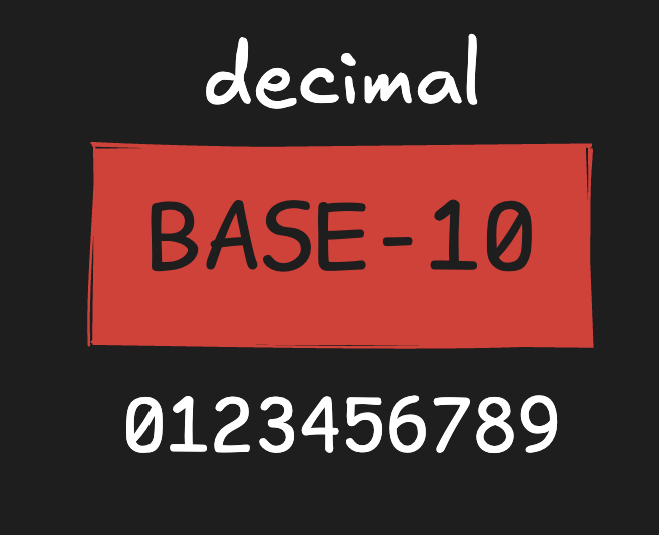
Differing from binary, it is much more suited for regular arithmetic and algebraic calculation, and it is very efficient in doing so. This system is very familiar and human-readable in comparison to binary.
Hexadecimal
Hexadecimal is a base-16 numbering system that is used in computing. Unlike binary and decimal, which use 2 symbols and 10, it uses 16 symbols:
0 1 2 3 4 5 6 7 8 9 A B C D E F
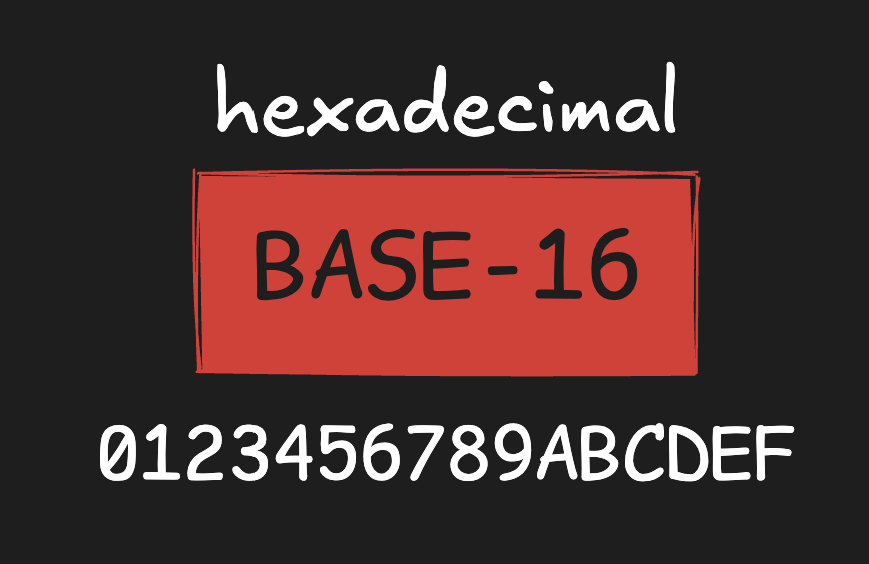
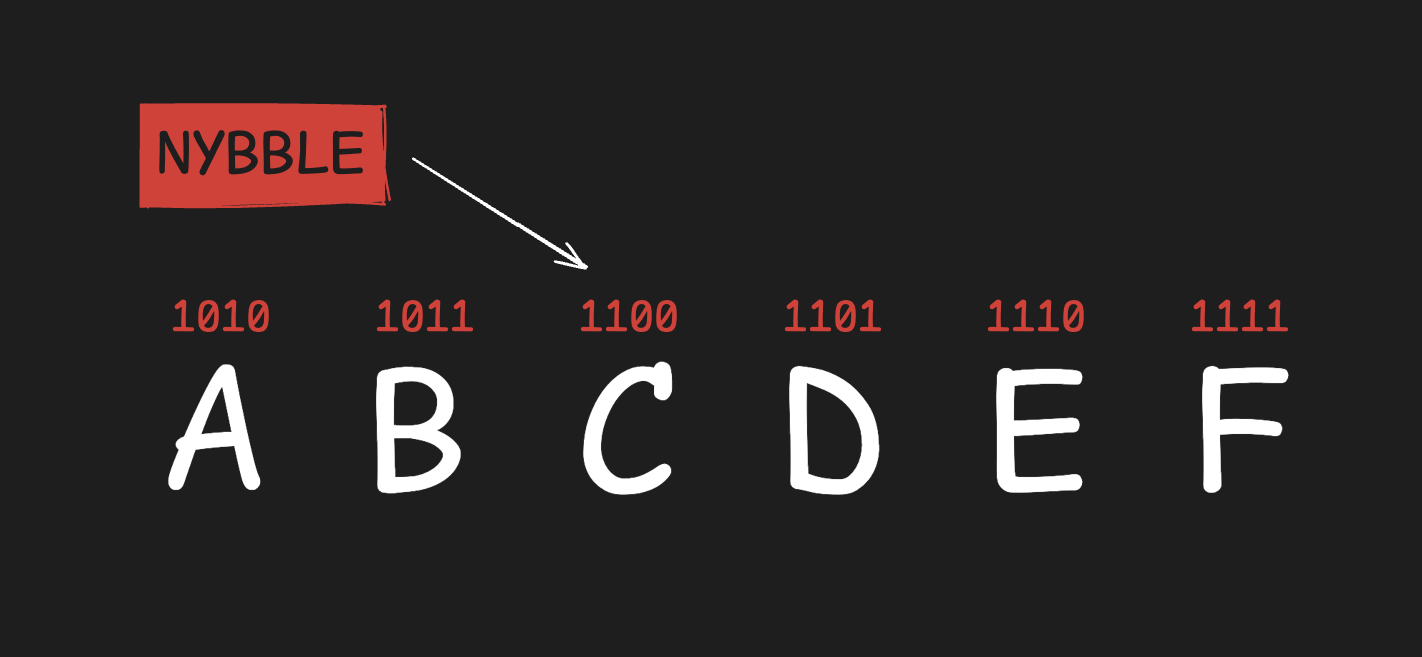
It is used most commonly when representing binary numbers, as binary values can get very long as they get more complex. While the computer reads and operates in binary, it is harder to read for humans. Hexadecimal helps here, as one hex digit is made up of four binary bits (a nybble5).
A hex dump example:
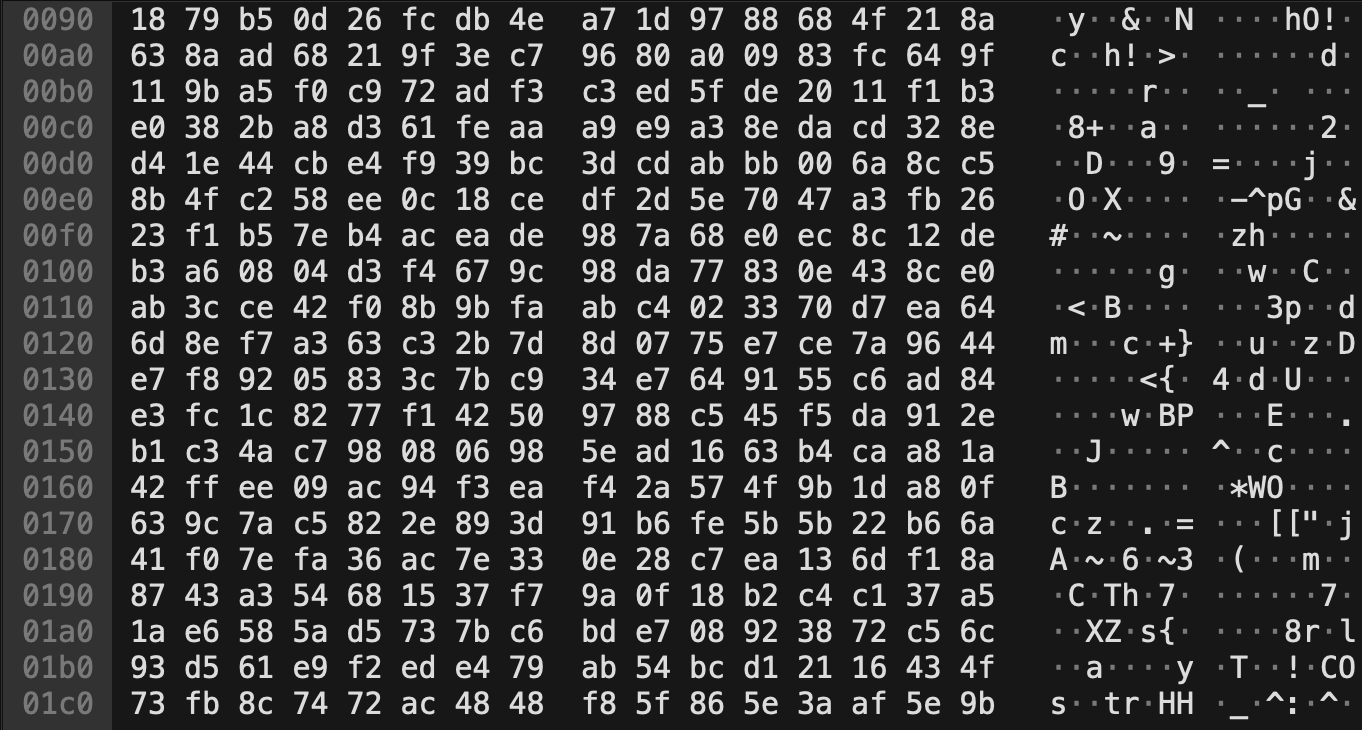
Because of this, hexadecimal is used in instances such as hex dumps, memory addresses, assembly, and in fields such as reverse engineering, malware analysis, and network traffic analysis.
The reason for the use of letters A-F is to avoid conflicts when having to write numbers 10, 11, 12, 13, 14, 15, since they would otherwise be written with adjacent numeric symbols.
A=10, B=11, C=12, D=13, E=14, F=15
Conversion
This section covers the full conversion flow with examples.
Quick base reference
| System | Base | Symbols |
|---|---|---|
| Binary | 2 | 0-1 |
| Decimal | 10 | 0-9 |
| Hexadecimal | 16 | 0-9, A-F |
Binary to Decimal (example: 10001001_2)
| Bit position | Value | Weight | Contribution |
|---|---|---|---|
| 7 | 1 | 128 | 128 |
| 6 | 0 | 64 | 0 |
| 5 | 0 | 32 | 0 |
| 4 | 0 | 16 | 0 |
| 3 | 1 | 8 | 8 |
| 2 | 0 | 4 | 0 |
| 1 | 0 | 2 | 0 |
| 0 | 1 | 1 | 1 |
Result: 10001001_2 = 137_10
Decimal to Binary (example: 137_10)
Divide by 2 and keep remainders:
| Division step | Quotient | Remainder |
|---|---|---|
| 137 / 2 | 68 | 1 |
| 68 / 2 | 34 | 0 |
| 34 / 2 | 17 | 0 |
| 17 / 2 | 8 | 1 |
| 8 / 2 | 4 | 0 |
| 4 / 2 | 2 | 0 |
| 2 / 2 | 1 | 0 |
| 1 / 2 | 0 | 1 |
Read remainders bottom to top:
Result: 137_10 = 10001001_2
Binary to Hexadecimal (example: 10001001_2)
- Group bits into 4-bit chunks from right to left:
1000 1001 - Convert each nybble to hex:
1000 = 8,1001 = 9
Result: 10001001_2 = 0x89
Hexadecimal to Binary (example: 0x2F)
Convert each hex digit into 4 bits:
2 = 0010F = 1111
Result: 0x2F = 00101111_2
Decimal to Hexadecimal (example: 729_10)
Divide by 16 and track remainders:
| Division step | Quotient | Remainder (hex) |
|---|---|---|
| 729 / 16 | 45 | 9 |
| 45 / 16 | 2 | D |
| 2 / 16 | 0 | 2 |
Read remainders bottom to top:
Result: 729_10 = 0x2D9
Hexadecimal to Decimal (example: 0x3F)
Use powers of 16:
(3 * 16^1) + (15 * 16^0) = 48 + 15 = 63
Result: 0x3F = 63_10
4-bit binary to hex lookup table
| Binary | Hex | Decimal |
|---|---|---|
0000 |
0 |
0 |
0001 |
1 |
1 |
0010 |
2 |
2 |
0011 |
3 |
3 |
0100 |
4 |
4 |
0101 |
5 |
5 |
0110 |
6 |
6 |
0111 |
7 |
7 |
1000 |
8 |
8 |
1001 |
9 |
9 |
1010 |
A |
10 |
1011 |
B |
11 |
1100 |
C |
12 |
1101 |
D |
13 |
1110 |
E |
14 |
1111 |
F |
15 |
Conclusion
These numbering systems are simply different ways of presenting the same information. Binary is what is used at the core level and how the computer works, processes, and how the hardware is built with the transistors, Decimal is what is most common to us and what we typically use mostly for arithmetic calculations, and lastly Hexadecimal is a system that acts as a bridge to help us read binary data that can get very long easier, this system is very handy when reverse engineering, looking at memory, assembly, or other practices. That’s why it is crucial to have a solid foundation and a thorough understanding of these concepts when working with anything related to the field of technology.
-
Bit: The smallest unit of digital data, with a value of
0or1. ↩︎ -
Byte: A group of 8 bits. A byte can represent 256 different values. ↩︎
-
Positional notation: A number system where digit position determines its place value based on the system base. ↩︎
-
Bi-quinary system: A historical decimal encoding approach that combines two-state and five-state groupings. ↩︎
-
Nybble: A group of 4 bits. One nybble maps exactly to one hexadecimal digit. ↩︎